
From script to finished video, without losing the thread.
Six steps across three stages. Setup locks characters, places and style once. Scenes turns each narration beat into a written shot and animates the picture you keep. Film lets you judge the whole video as a viewer would.
- Script
Bring the script
Paste a finished narration script. VIA splits it into story sections and scenes, one scene per narration beat, and times each one to the voice-over.
- You
- Paste the script
- VIA
- Scenes, sections, timing
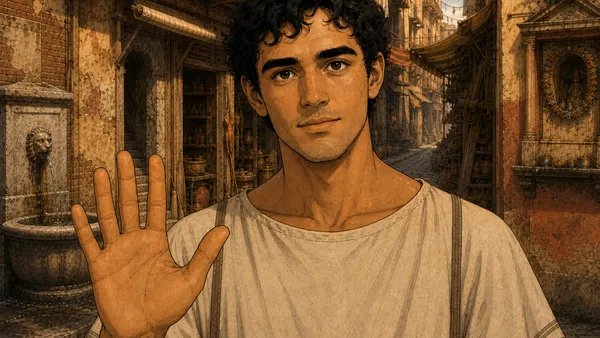
0:00Hey guys, welcome back to Ancient Rome. I'm Marcus, and I have twenty-four hours to survive here on one Roman worker's wage.
0:09I normally work in finance in the twenty-first century, but earlier today I was dropped into Rome…
0:21Somehow, I actually found one.
- Setup
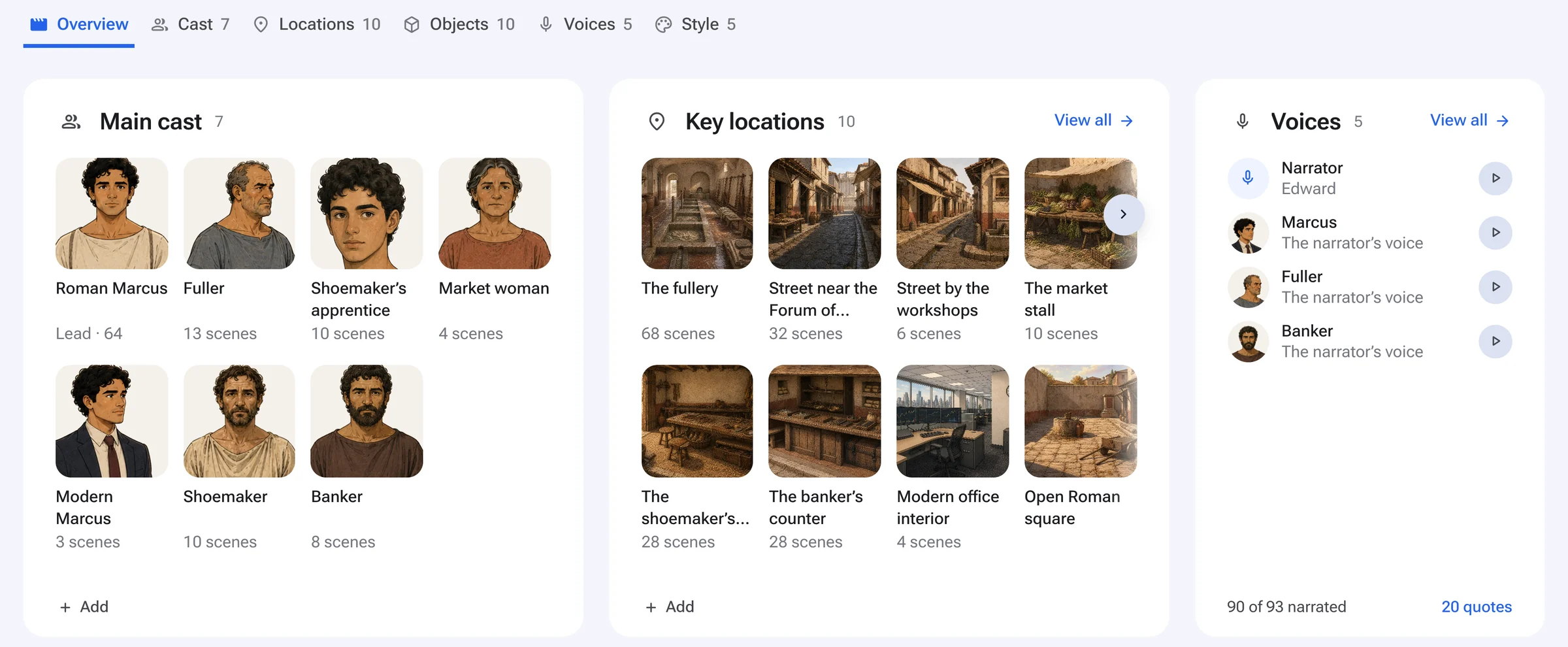
Approve the production bible
VIA proposes the look, a reference sheet for every recurring character (front, side, back, fixed wardrobe) and every location with the features that must never change. Everything later is drawn from these.
- You
- Approve or redo each one
- VIA
- Characters, places, style
- Scenes
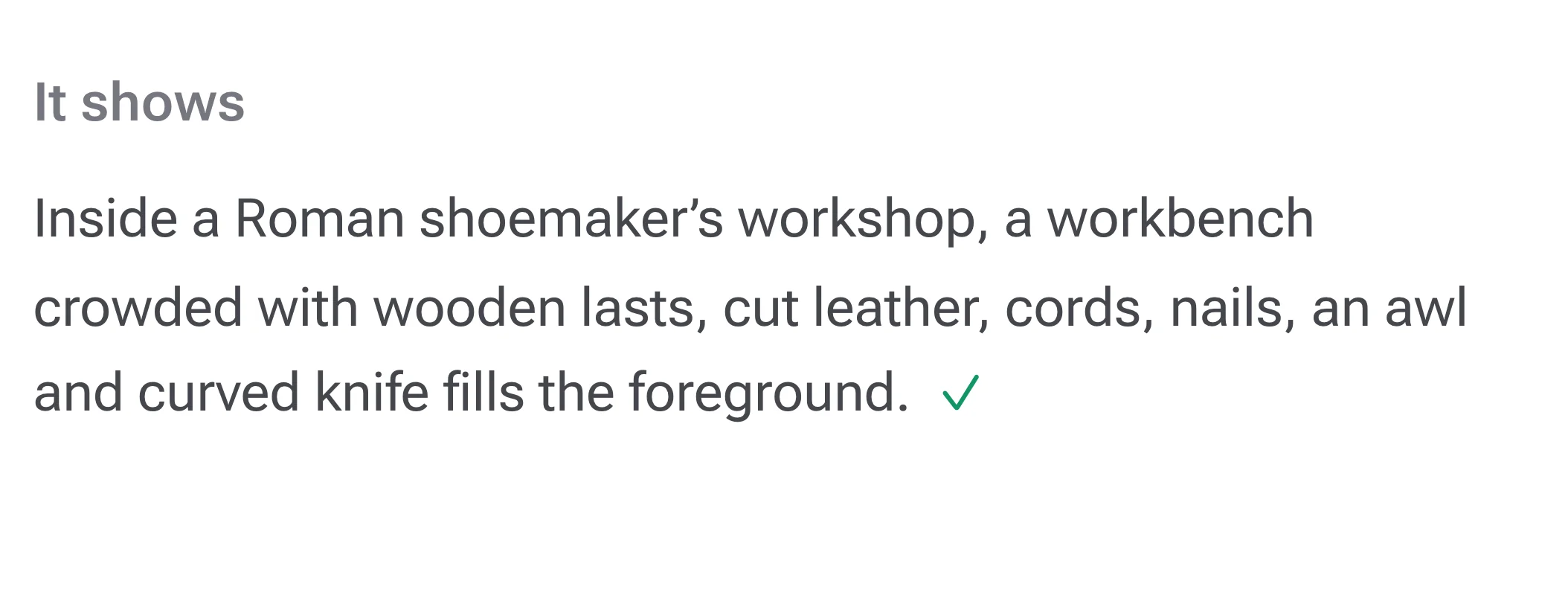
Direct each scene
For every beat VIA writes the shot: who is in frame, where, doing what, holding what, from which camera. You can read it, and change it in plain words, before anything is drawn.
- You
- Read and adjust if you want
- VIA
- Shot written for you to read
- Scenes
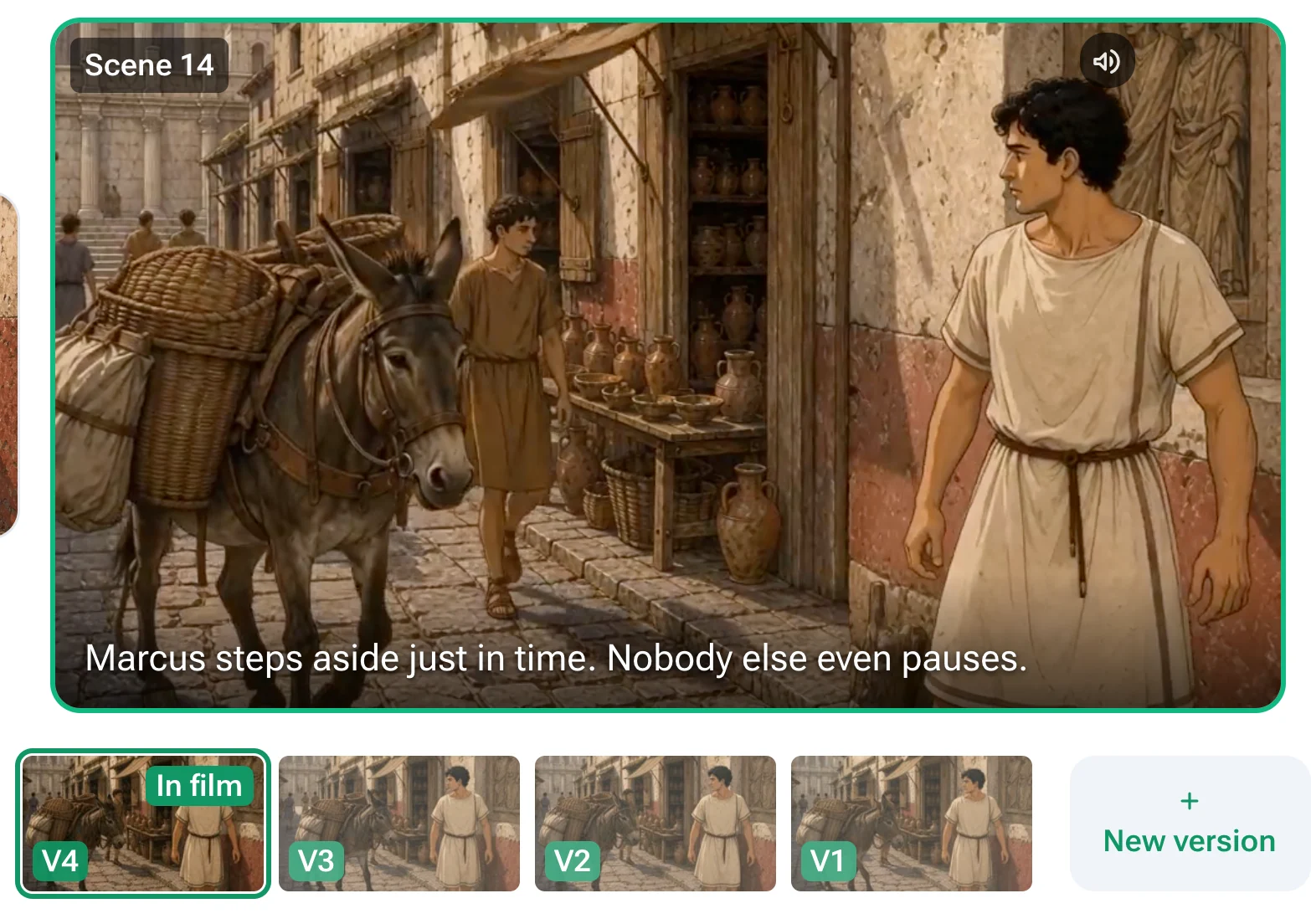
Pick the picture, then animate it
Pictures are drawn from the approved characters and places. The one you keep becomes the first frame of the clip, so the video shows the same people in the same place. Not right? Say what to change in plain words, and VIA makes another version. Every version is kept side by side.
- You
- Keep one, or say what to change
- VIA
- Drawing and animating
- Film
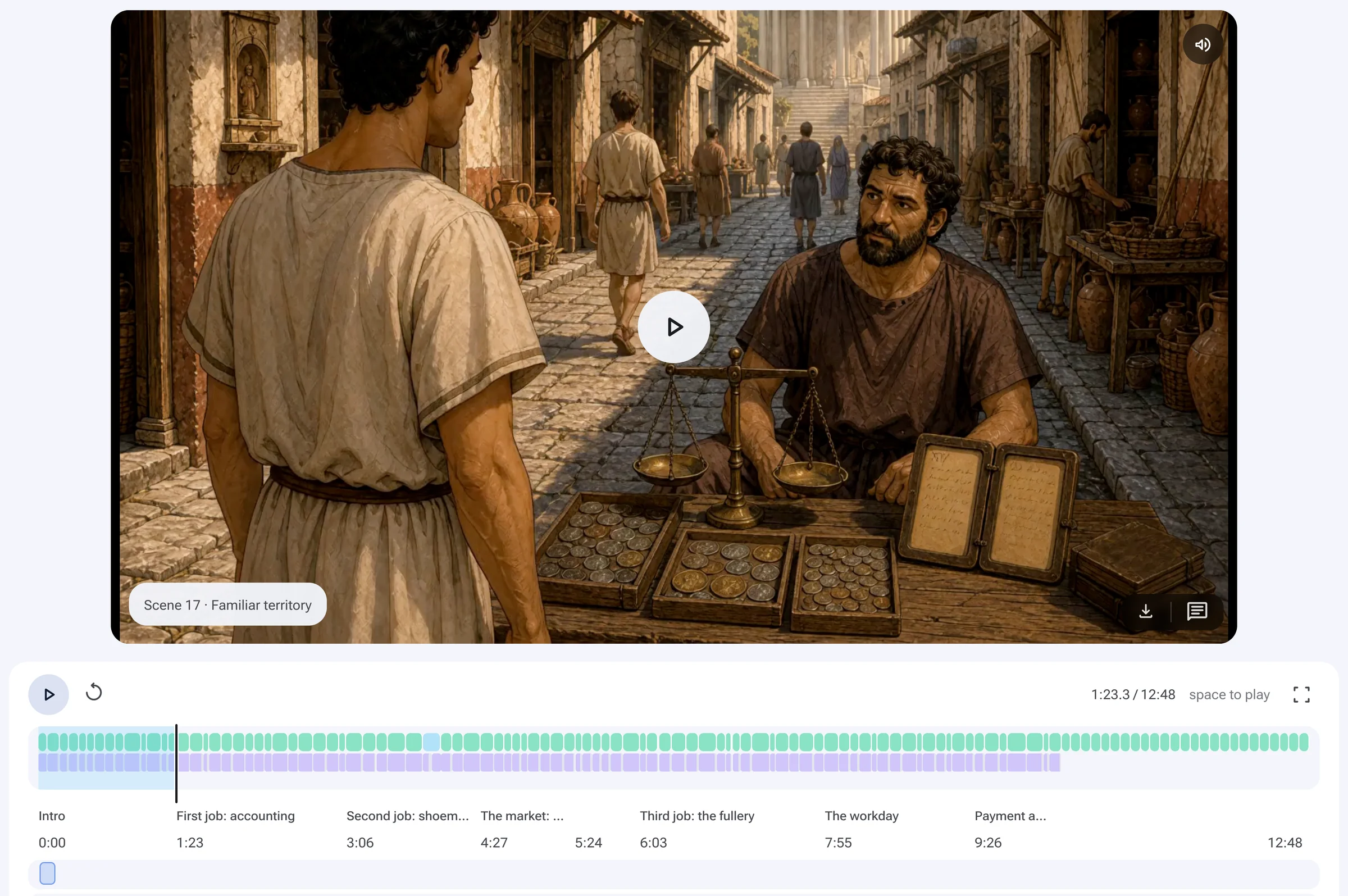
Watch it as a film
The whole video plays with narration on a scene timeline. Judge pacing and continuity the way a viewer would. Reject a scene and only that scene is redone.
- You
- Watch, reject what is off
- VIA
- Assembly, retakes
- Publish
Export and publish
Export a finished MP4 for YouTube, or download the edit package: one zip with the timeline for DaVinci Resolve, Premiere Pro or Final Cut Pro, every take of every scene, the narration, music and ambience on their own tracks, and your character and location references. Or take just the timeline file. Only approved, current clips make the cut.
- You
- Upload it, or finish it in your editor
- VIA
- The final file and the full timeline
 24 Hours in Ancient RomeReady9:22 · 83 scenes · narration mixedMP4PictureNarrationMusicAmbienceEdit package: timeline, every take, audio, referencesZIPTimeline for DaVinci Resolve, Premiere Pro, Final Cut ProXML · EDL
You make the creative calls. VIA does the production.
- The script and the look
- Which characters and places are right
- Which take is right
- Whether the film works
- Scene breakdown and shot writing
- Every image, motion and voice prompt, and the model for each shot
- Drawing every scene from your characters and places
- Versions, retakes and assembly
Built for video told from a script: drawn, from real footage, or both. Not for talking-head vlogs or real people's likenesses. See it across whole productions: a history episode, a children's cartoon and a travel documentary.
Make AI video people actually want to watch.
VIA is admitting a small number of creators into the private beta. Tell us what you want to make.